
1. IdeaCapture the idea quickly with text, audio or video.
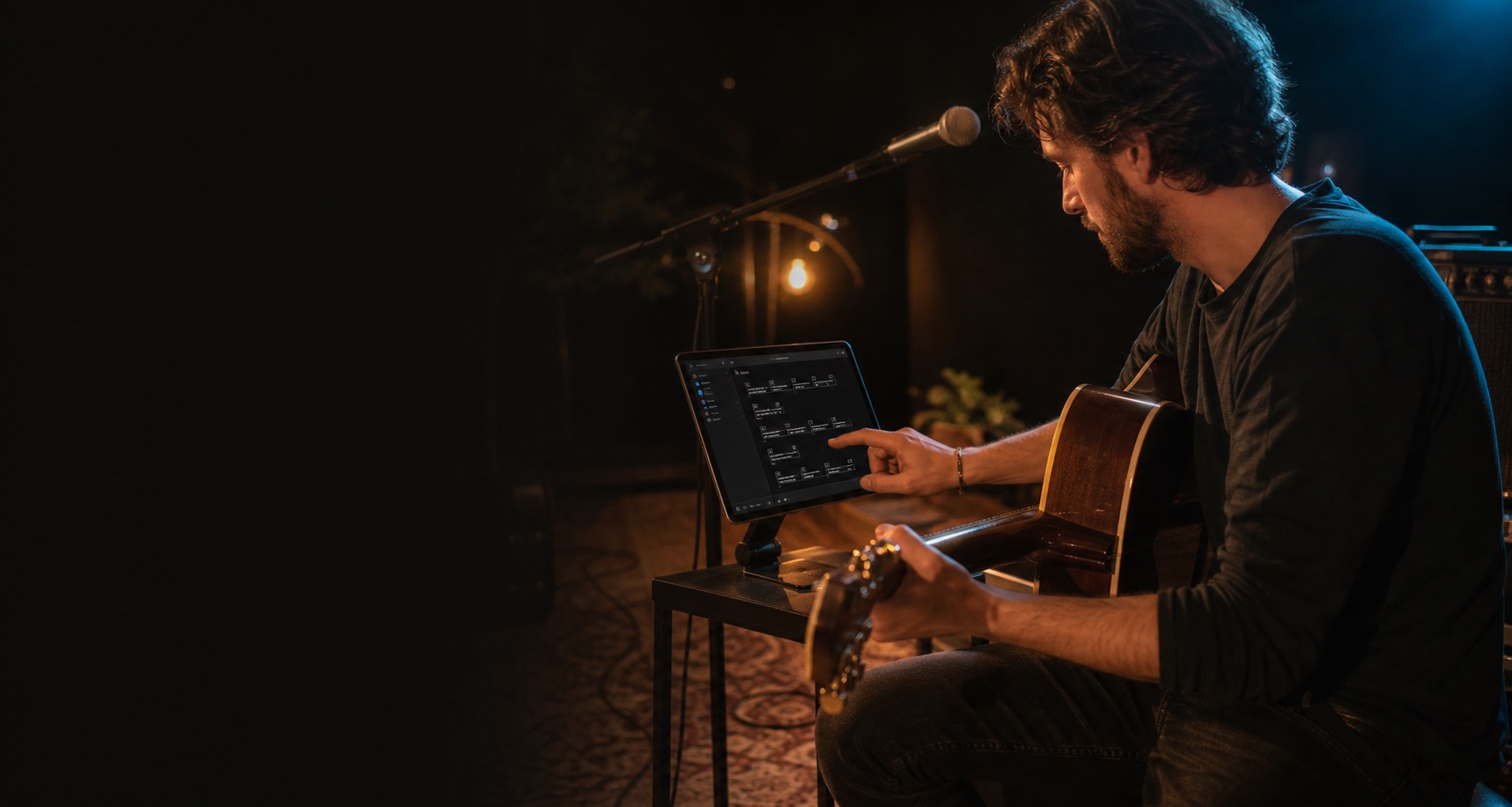
Write songs Build your songbook Perform live
Keep your ideas, lyrics, chords and setlists together. Write on iPhone, iPad or Mac, rehearse with your songbook and bring readable songs to the stage. Start free with every feature included.
Built for songwriters
Offline-ready
No subscriptions
One-time unlock
Live performance
A stage-friendly songbook that stays out of the way
Keep lyrics and chords readable and your running order close at hand. Choose a focused song view or show the full setlist, with timers for your breaks. At the end of a song, Smart Next warns you first; a second command advances to the next song.
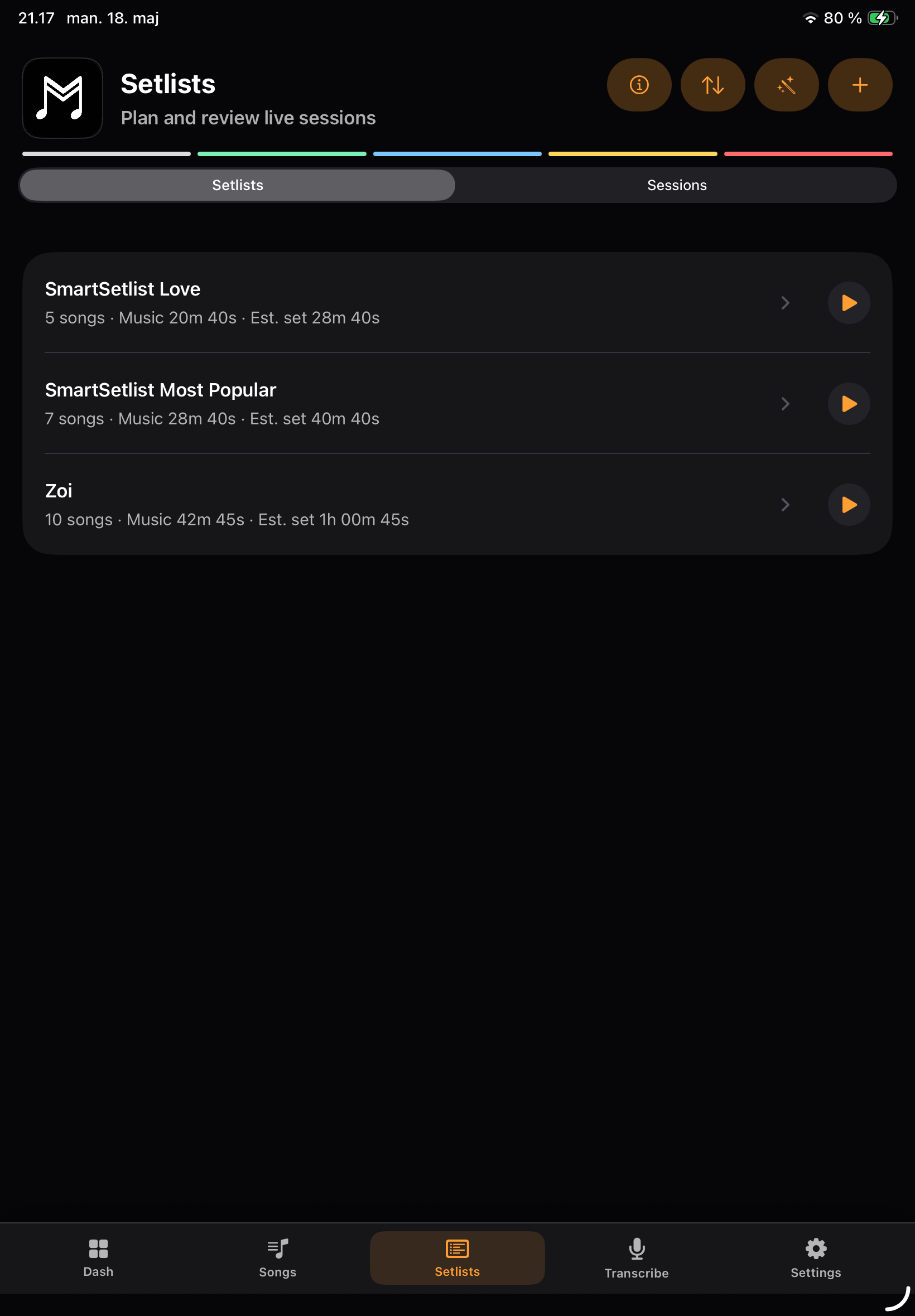
Setlists
Setlist View
Named breaks
Stage Cues
Performance Lock
Smart Next
Smart Coach
Pedal reminders
MIDI cues
Remote + Display
Tuner
Tempo
Sessions
Remember what you played.
Keep a private record of rehearsals and concerts: songs played, start and end times, and reporting details you choose to confirm.
From idea to stage - one simple workflow
2. DraftWrite your draft or turn your own recording into lyrics to review and edit.
3. SongWrite and shape the song in your personal songbook.
4. SetlistArrange Songs and named breaks, then review SmartSetlist suggestions.
5. Live PerformancePerform with readable lyrics, Setlist View and warning-first Smart Next.
SmartFunctions that keep you in control
Review-first help for writing and stage prepStart here
Try it with your next song
Try the whole journey with one idea, one song and a short setlist. The free download includes every feature within its library limits. The optional one-time unlock gives your growing repertoire more room.
Capture quickly
Save a lyric line or record a melody as an Idea. You can come back to it when there is time to write.
Refine in Drafts
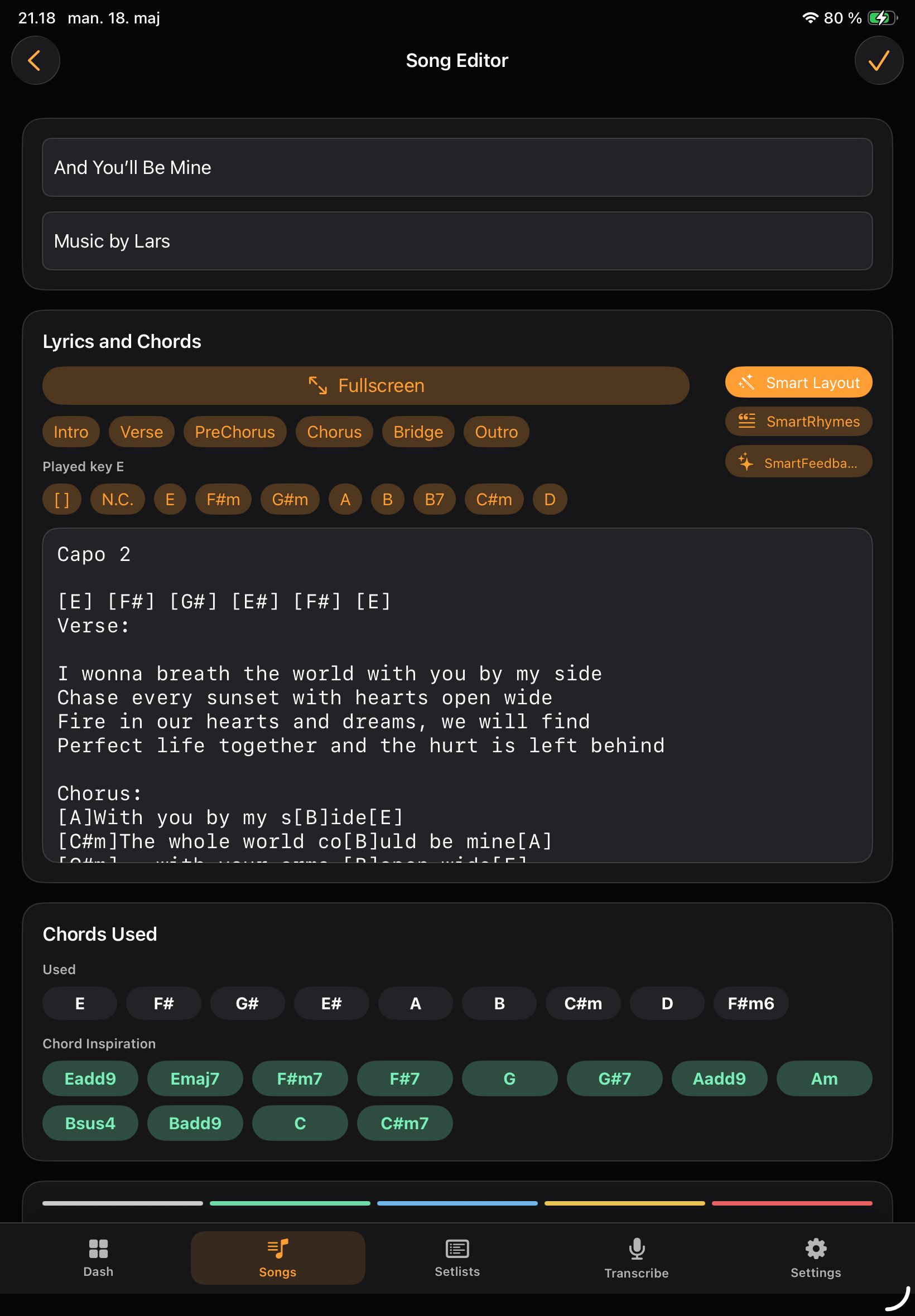
Add lyrics, chords and sections in a Draft. Keep unfinished work separate until you are ready to make it a Song.
Perform and reuse
Add the song to a setlist and open Performance. Try the readable song view and deliberate next-song controls before your next rehearsal.
Songwriting without clutter
Capture quick ideas, develop drafts, finish songs and keep performance notes in one musician-focused workspace.
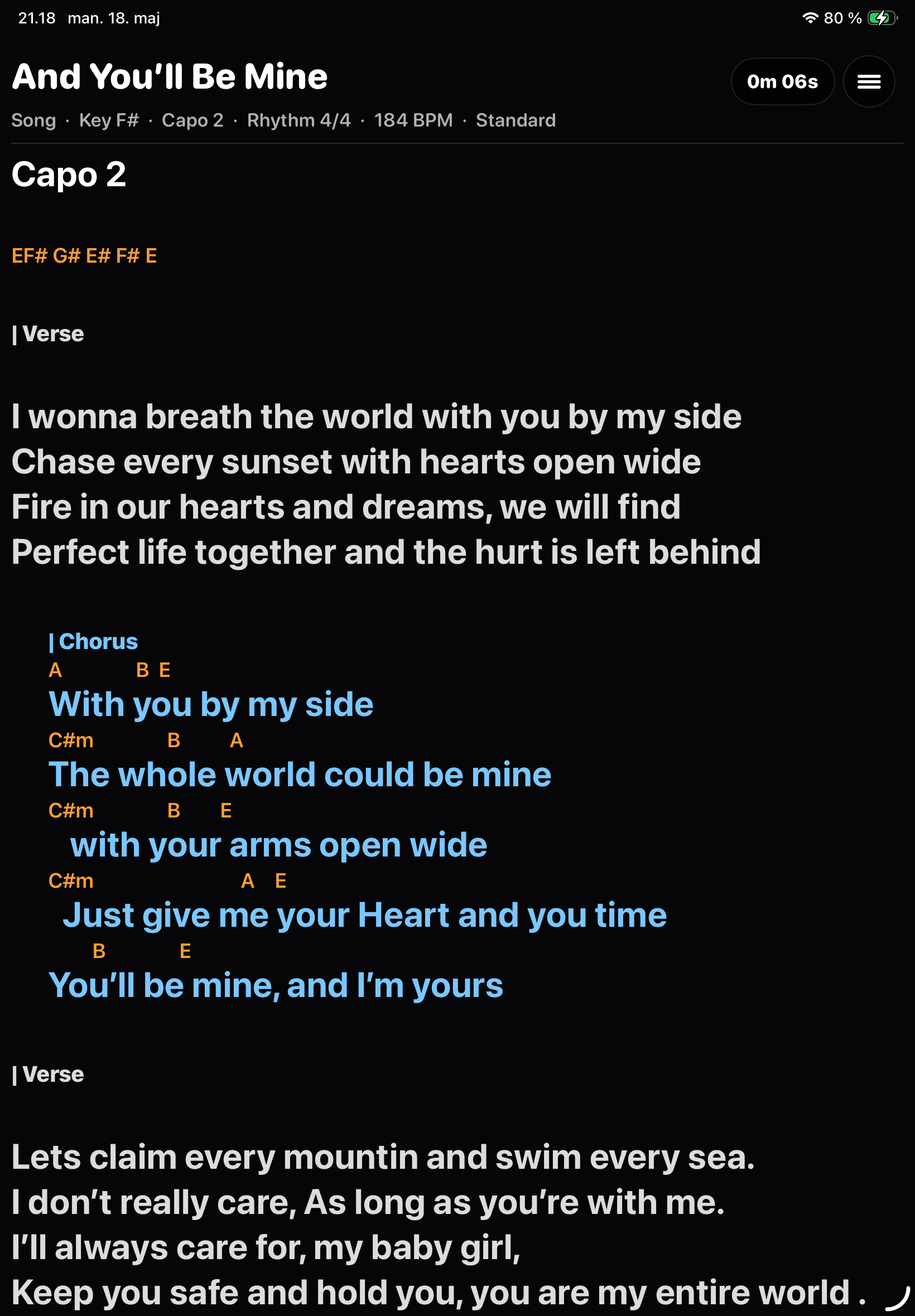
Lyrics and chords made readable
Chords render above lyrics, sections are color-coded and notation settings support Standard, German, Latin and Nashville views.
Built for the stage
Plan your running order, song durations and breaks. Keep stage notes handy and turn pages with a supported foot pedal.
Screens
See the workflow before you download
Songbook
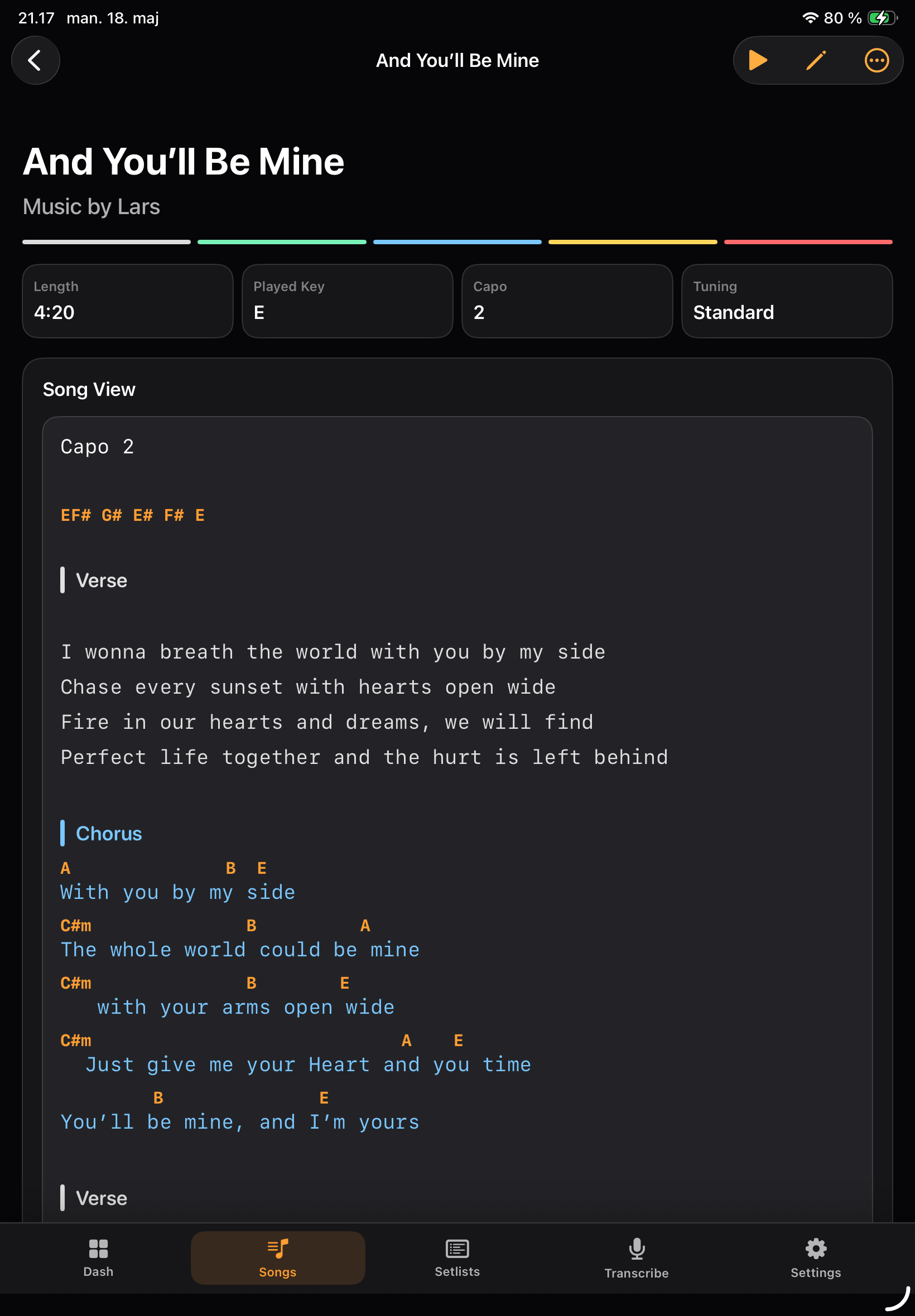
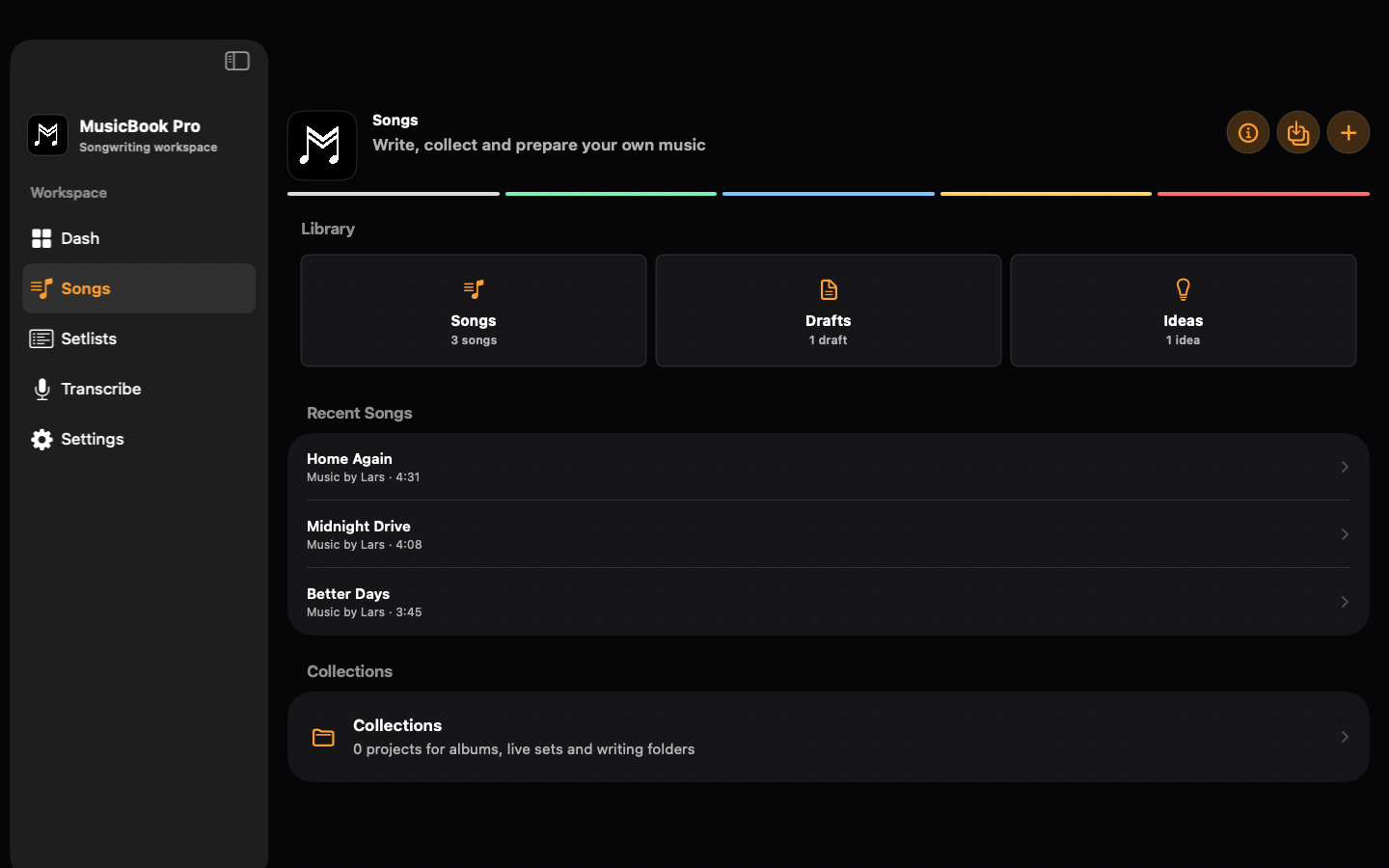
Your songbook, writing room and stage folder
MusicBook Pro is built for original songs and user-entered song material you have the right to use. It does not scrape websites, bypass logins or download copyrighted lyrics for you.
IdeasQuick text, audio and video capture for riffs, lines and melodies.
DraftsDevelop lyrics and chords before moving a song into your main library.
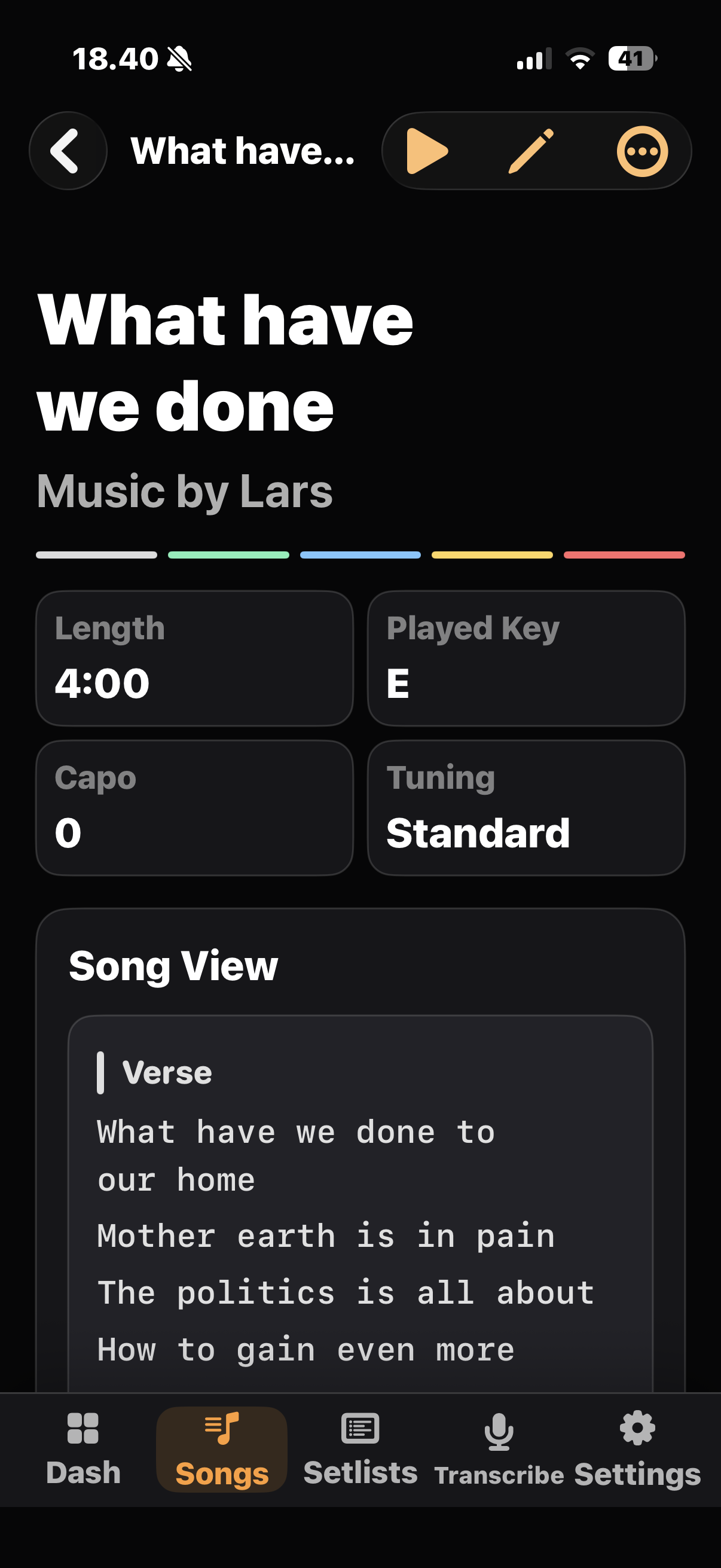
SongsKeep readable song sheets with lyrics, chords, key, capo, tuning and notes.
ProjectsKeep related ideas, drafts and songs together for an album, a gig or your next writing session.
Built for your music
Made for songs that need to leave the notebook
For singer-songwriters and solo performers who want their ideas, songbook and live set in one place.
Room for unfinished songs
Separate Ideas, Drafts and Songs so unfinished thoughts never crowd your stage-ready set.
Choose finished songs when it is time to build your set.
Your set in sight
See lyrics, chords and colored sections in fullscreen. Keep the running order visible when you need it.
You decide when to turn the page or move to the next song.
Built around creative control
Write, browse your library and use Performance offline. Turn on private iCloud sync only if you want it.
No ads, subscriptions or third-party tracking.
The right screen for the moment
Capture on Watch, refine on iPhone, structure on Mac, and project to Apple TV for rehearsals and performance checks.
Choose the device that suits your writing, rehearsal or stage setup.
Inside MusicBook Pro
The complete path from first Idea to the stage
Keep related ideas, drafts and songs in Projects. Prepare your running order and breaks, rehearse with readable lyrics and chords, and save the Session details you choose to confirm.
App Store languages
Available in 11 languages
Use MusicBook Pro in the language that feels natural to you. The app follows a supported device language by default, with an App Language setting where available. Apple TV follows its system language.
Transcribe language choices are separate and follow Apple Speech support on each device. Draft Lyrics and Estimated Chords are always review-needed.
English
Dansk
Deutsch
Español
Français
Italiano
Norsk Bokmål
Nederlands
Português
Svenska
Türkçe
Transcribe
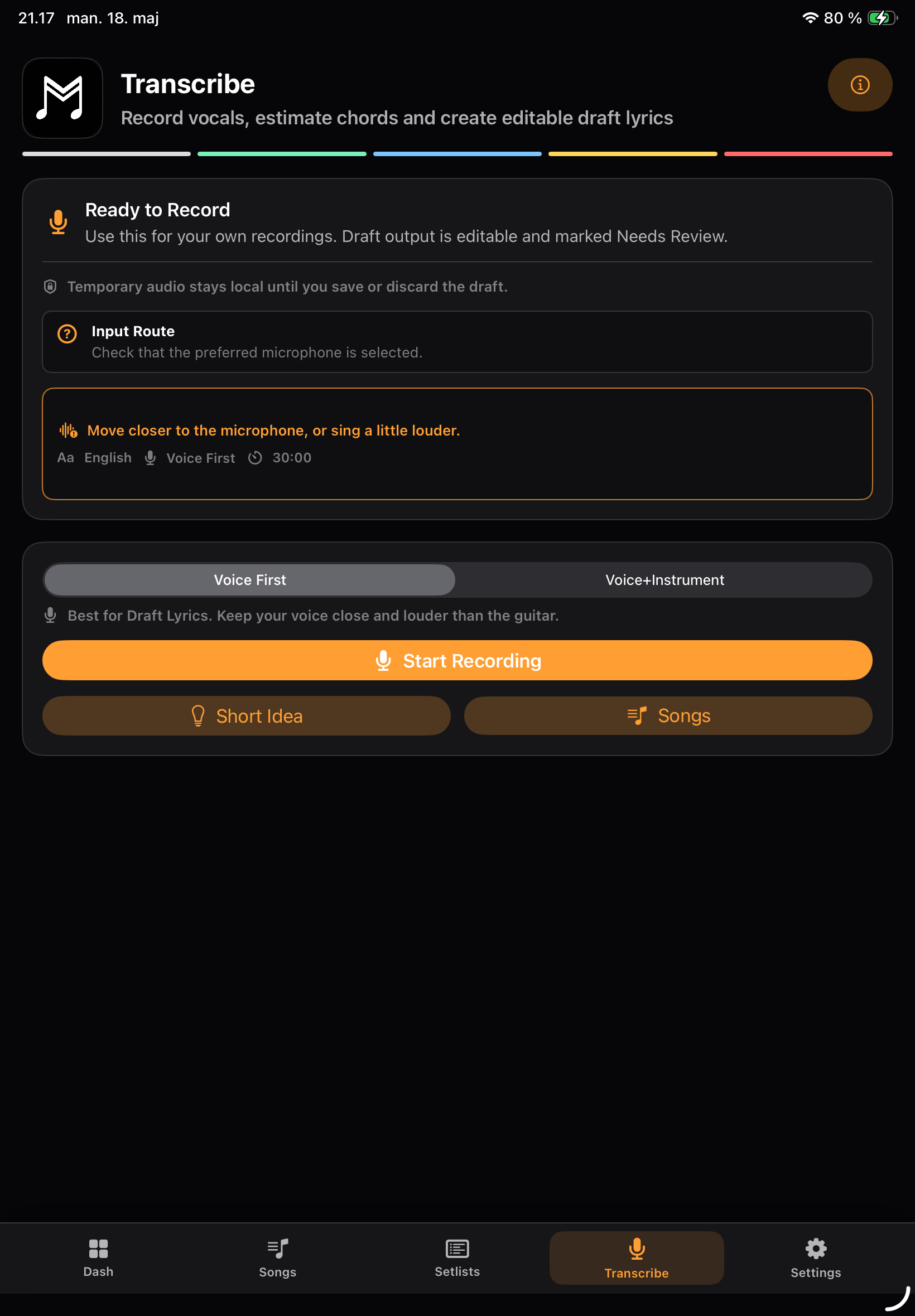
Record your own ideas and create editable Draft Lyrics
Turn a recording of your own song idea into Draft Lyrics you can review and edit. The original Apple transcript stays available during review. Voice First creates lyrics only; Voice+Instrument may also suggest Estimated Chords when the recording provides enough evidence.
- Prepare supported Apple Speech languages without deleting recordings
- Review uncertainty, raw text and coverage before continuing
- Private Retry Inbox for a failed recording you choose to retain
Import + Export
Bring in your material · Take clean local files out
Bring your own lyrics and chord charts into your songbook. Review imported material before saving, then export PDFs for rehearsal or keep a local backup. Use only material you have the right to use.
Mac + Apple TV
Write on Mac · Perform on iPad · Show lyrics on Apple TV
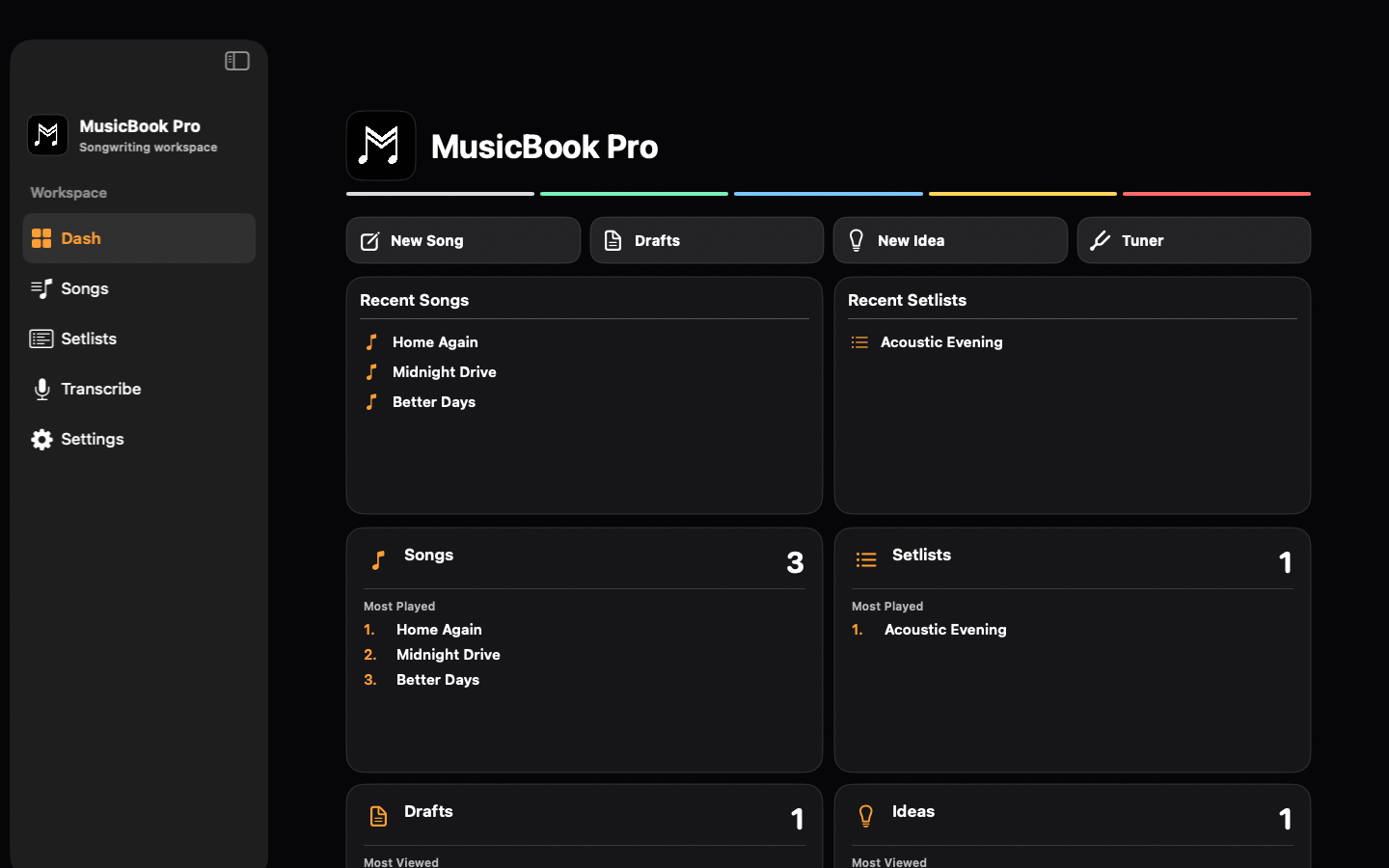
MusicBook Pro follows the way musicians work across Apple devices: capture a line on your wrist, refine it on iPhone, organize the full library on Mac and bring readable lyrics to rehearsals, teaching rooms or small stages with the free Apple TV companion app.
Apple Watch
Catch ideas before they disappear
Use Apple Watch and iPhone to capture lyric lines, melody thoughts and rehearsal notes wherever they arrive. Start with a quick audio idea on your wrist, then shape it later as an Idea, Draft or Song on iPad or Mac.
How it works
21:17
●
MusicBook Pro
Metronome
Haptic • 116 BPM
Optional on Mac
Collaborate with approved agents, on your terms
Agent Collaboration is separate from MusicBook Pro's built-in SmartFunctions. It stays off until you enable it, pairs through an authenticated MCP connection and makes only the permissions you choose available for the duration you set.
Your Mac stays authoritative.
The gateway stores no creative library and logs no raw content. Approved text and metadata necessarily pass through the gateway and your chosen provider only while access is active. If the Mac is offline, closed or disconnected, the library is unavailable.
Read the Agent Collaboration privacy details
Pricing
Free to start · One unlock · No subscription
No ads. No subscriptions.
Your songs stay yours
Your creative library stays local by default. iCloud sync is optional, and the app has no ads, subscriptions or third-party tracking. Built-in Smart features use Apple technologies. Version 6.0 adds optional Apple Private Cloud Compute, off by default. Mac Agent Collaboration remains a separate choice.
Privacy Policy
Read about local data, optional iCloud sync, Agent Collaboration and the planned PCC controls in 6.0.
Open Privacy Policy
About the app
Built by Music by Lars
MusicBook Pro is developed by Music by Lars.
I created this app because I could not find a good solution that did exactly what I needed as a songwriter and live performer.
MusicBook Pro is built for musicians who write original songs, keep a personal songbook for user-entered cover material, rehearse and perform live.
Contact
Questions, feedback or press?
Send a message about MusicBook Pro. The small check below helps keep automated spam away.
FAQ
Good to know before you download
Is MusicBook Pro available now?
Yes. The public App Store release is MusicBook Pro 5.5. Version 6.0 is being tested in TestFlight. Features described here as coming in 6.0 are not yet part of the public App Store release.
Which languages does MusicBook Pro support?
MusicBook Pro supports localized app UI for English, Danish, German, Spanish, French, Italian, Norwegian Bokmål, Dutch, Portuguese, Swedish and Turkish.
What can I do with MusicBook Pro?
Capture text, audio and video ideas, develop lyrics and chords, organize projects and prepare setlists with breaks. Use Performance for readable lyrics on stage and Sessions to keep a private rehearsal or concert history.
Does Transcribe work in every app language?
Transcribe language choices follow Apple Speech support on your device. Draft Lyrics and Estimated Chords are review-needed and should not be treated as perfect transcription or perfect chord detection.
Is this a subscription?
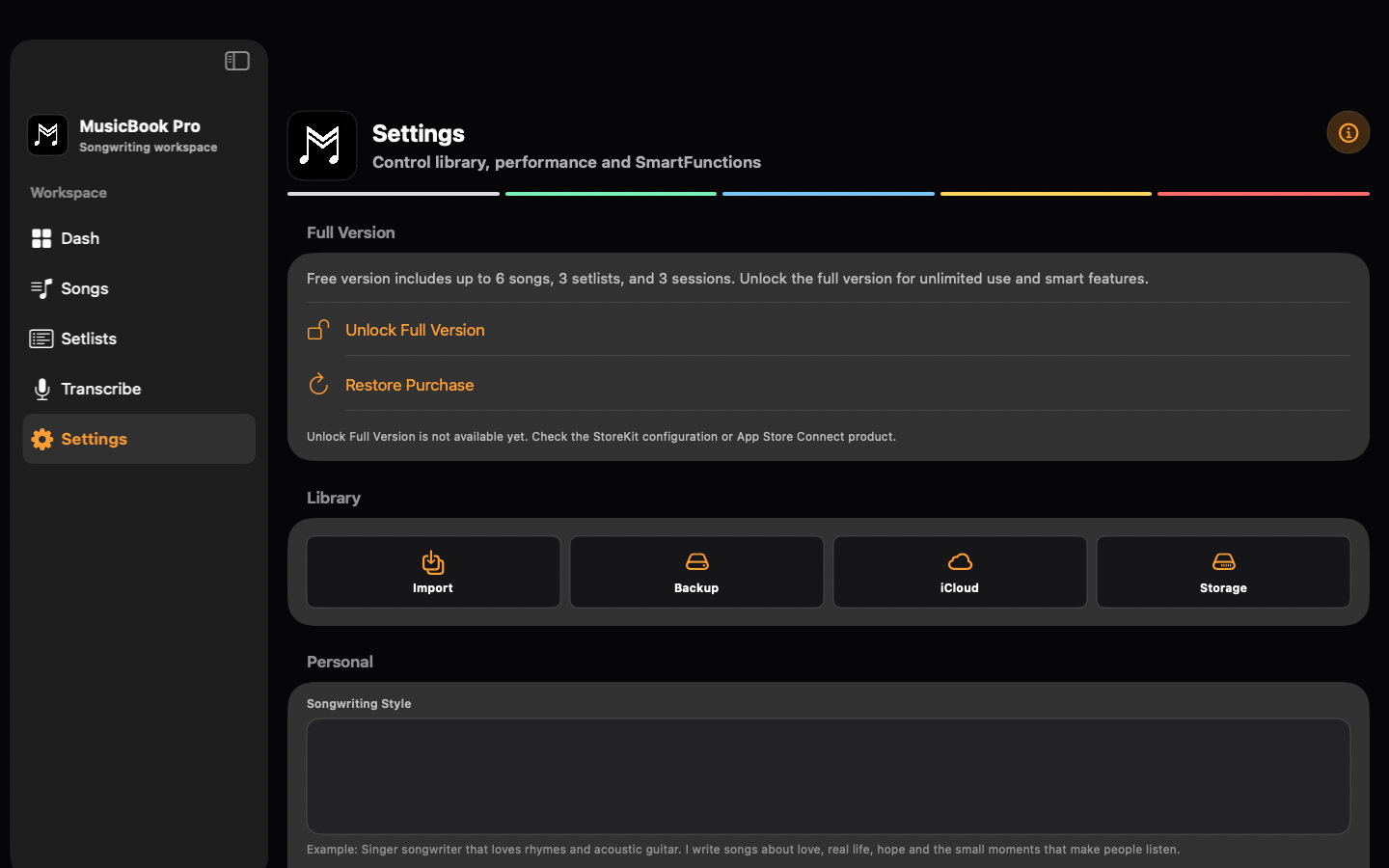
No. MusicBook Pro is free to download with one optional Full Version unlock. Regional App Store pricing may vary.
Can I use MusicBook Pro offline?
Yes. Writing, browsing your library, setlists and Performance work offline. Optional iCloud sync needs a connection. Apple model and speech features depend on your device, language and available system resources; local fallback keeps supported Smart tools useful.
Can I use this for my own songs and legal cover material?
Yes. The app is built for your own songs and cover material you are responsible for legally using. We do not download protected lyric catalogs for you.
Does MusicBook Pro work on Mac and Apple TV?
Yes. MusicBook Pro supports iPhone, iPad, Mac, Apple Watch and Apple TV. Mac gives you more room to organize songs, drafts and setlists, while the free Apple TV companion is useful for big-screen lyrics.
How does iCloud sync work?
When enabled, iCloud sync uses your iCloud account for supported app data. Raw draft audio can stay local unless you intentionally include media in an explicit export flow.
Is this for cover-song downloading?
No. MusicBook Pro does not scrape, download or bypass protected lyric sites. You can add your own songs and any song material you have the right to use, including your own legally managed cover charts.
What are Sessions?
Sessions privately preserve Rehearsal or Concert history with editable start and end times, performed Songs and user-confirmed Concert reporting details.
How do SmartSetlist and Smart Next work on stage?
SmartSetlist suggests an order for you to review and applies it only when you choose. At the end of a song, the first Smart Next command shows a warning. A second command advances to the next song. SmartScroll never starts itself.
Are Smart features sent to external AI services?
Built-in Smart features use Apple technologies. Planned PCC support in 6.0 is off by default. After active Settings opt-in, eligible SmartFeedback and SmartWriter requests may send draft text and an approved writing Brief to Apple. Recordings are excluded and local fallback remains available. Agent Collaboration is a separate provider connection.
How does Agent Collaboration protect my library?
It is off by default on Mac. You choose separate permissions and a fixed duration. Agents can read only approved text and metadata and, when separately allowed, create new Ideas or Setlists. They cannot edit or delete existing items or access files, media, credentials or hidden data.
Does the Apple Watch app replace the iPhone app?
No. Apple Watch is a lightweight companion for quick audio ideas and haptic metronome support.
Can I export or back up my data?
Yes. MusicBook Pro can export validated backups for Songs, Drafts, Ideas, Projects, Setlists, Sessions, Stage Notes and settings. You control when and where to restore them.
Ready for your next song?
Write it, shape it, rehearse it and perform it from one musician workspace across iPhone, iPad, Mac, Apple Watch and Apple TV.